
Creator guides
How to launch your interactive experience or game on Doses
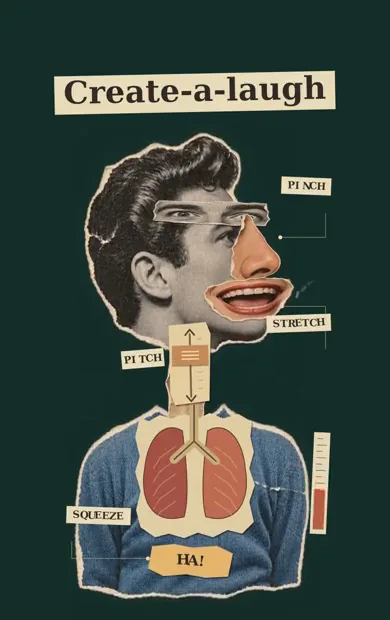
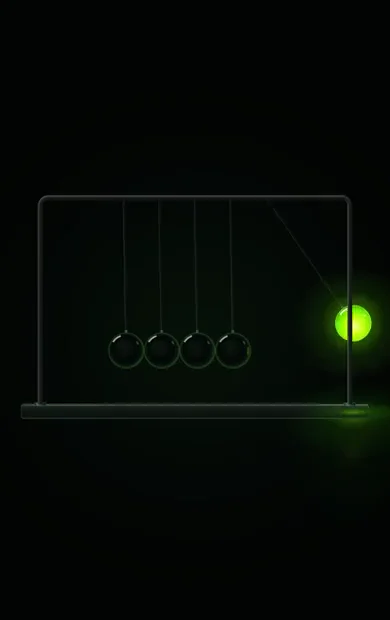
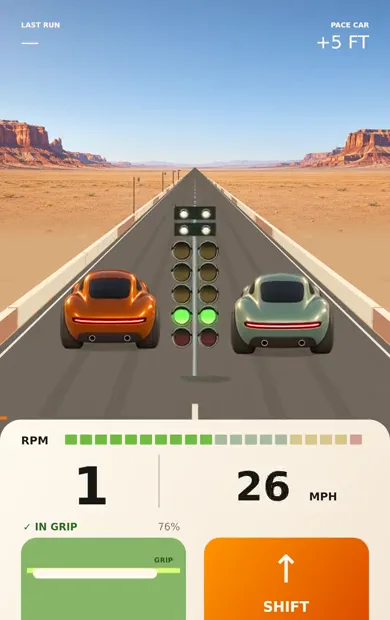
You’ve built a small interactive experiment, a simulation, or a game. Now you want someone to open it, understand what to do, and enjoy it enough to share.
Doses gives small browser experiences a place to be played and discovered. You can build with your preferred coding tool, upload your finished experience, and submit it for publication. Players can try it in their browser, save it to their Collection, and visit your creator profile to follow your work.
Here’s how to prepare your first Dose and launch it.
What you can launch on Doses
A Dose is a small interactive experience that runs in the browser. It might be a racing game, a musical toy, a physics simulation, a drawing tool, or a scene someone can explore with their thumb.
A strong starting point is one interaction that feels good immediately. A player pulls back to aim a shot. Someone drags a pendulum and watches it paint. A listener moves a control and hears the music change.
That focus helps you decide what to build and gives a new visitor a clear reason to stay. Your first Dose can be a complete small game or a self-contained experiment with a larger idea.
Why launch on Doses
Give people a direct way to play
Each published public Dose has its own page and a way to open the experience. You can share it in a post, send it to a friend, or add it to your portfolio. Visitors can play without creating an account.
That makes the link useful when you show your work. A short gameplay clip can introduce the idea, and the Dose link lets someone try the interaction themselves.
Put your work where people explore experiences
Doses has a feed of playable experiences and a searchable Browse catalog covering music, creative tools, simulations, games, and more. Publishing gives your work a place within that collection, alongside the links you share yourself.
Your title and description matter here. A specific title helps people recognize the idea. A useful description tells them what they can do: “Build a bridge and see whether it holds” gives a curious visitor a clear invitation.
Give players a way to return
Players can save an individual Dose to their Collection. They can also follow you from your creator profile and find your published public releases in Following.
For an experience with progress or something a player creates, you can integrate Doses’ state tools. Your code defines what to save and how to restore it; Doses handles storage and account syncing. You can also support sharing a specific creation, such as a painting or an arrangement of objects, so another person opens that version.
Progress saving and sharing creations require integration in your experience. They are worth planning early if returning to a level or sharing a result is central to the idea.
How to publish your first Dose
1 Prepare a browser version
Doses accepts a standalone HTML file or a Dose ZIP. A simple experience can keep its HTML, CSS, and JavaScript in one file. An experience with models, textures, recorded audio, or fonts can use a ZIP with index.html at its root and the supported assets alongside it.
Open Create and choose Build in another tool to copy the current Dose instructions into your coding tool. If you are building with ChatGPT, Claude, or another assistant, include those instructions with your idea before asking it to build.
For an existing experience or game, ask your tool to adapt it to the Dose format. Doses runs experiences in a restricted environment, so code that depends on external scripts, API calls, or direct browser storage needs changes. The instructions cover supported assets, the managed Three.js runtime, and saving progress.
Aim for a lightweight first interaction. Smaller assets and a useful opening scene help someone reach the experience sooner.
2 Make it comfortable on a phone
Design for the space a player actually has. Start with a portrait layout around 390 by 620 pixels, then check a narrower screen.
Keep the main controls reachable and make their purpose visible. Show the actual scene as soon as it is ready. A player should be able to tell what they can touch and see or hear a response when they do.
Test the opening interaction, the result, and the way to play again. If you include sound, start it after an intentional action inside the experience. If you include progress, check that restoring a save brings the player back to a sensible state.
3 Upload and test the preview
Sign in at doses.fun/create and upload your HTML file or Dose ZIP. Every active account can create and save privately.
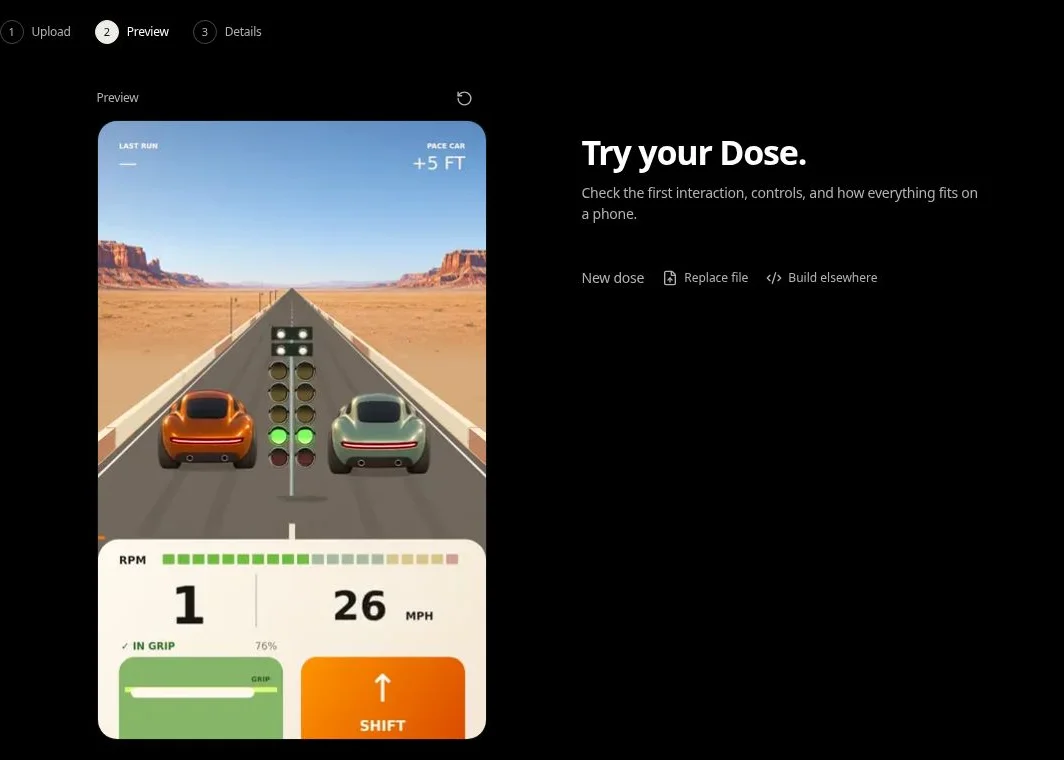
Doses checks the upload before it runs. Resolve any compatibility findings, then play through the preview. For packages with assets, inspect the imported result because optimization can affect their appearance.
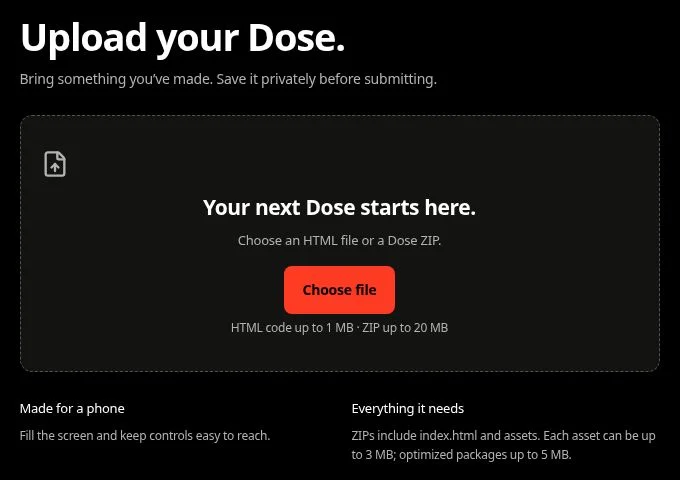
Check the controls, screen fit, loading, and restart behavior. A working preview is the point at which you can judge whether the experience feels ready for someone else.
4 Add your publishing details
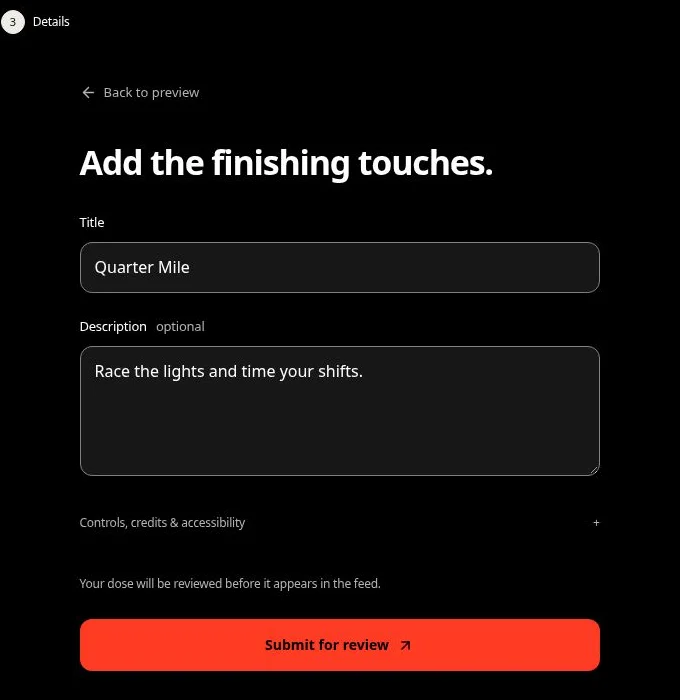
Continue to Details and give the Dose a title. Add a short description explaining what someone can do. Include credits and accurate controls and accessibility notes.
Use plain language. “Drag to aim, pull back for power, release to shoot” helps a player get started.
5 Submit your Dose for review
Choose Submit for review. Each Dose is reviewed before publication, and you can find its status in My Doses.
You can start creating as soon as you have an active account. Publication approval applies to the individual Dose.
Share the moment that makes it fun
Once your Dose is published, share its link with a short clip of the main interaction. Show the moment someone will want to try: a close finish, a satisfying collision, or a surprising result.
Give the viewer a specific invitation, such as trying the shot or making their own version of the scene. Ask early players where they hesitated and what made them try again. Their answers can guide your next revision.
Your first launch gives you something concrete to put in people’s hands. Start with the interaction you most want someone to experience.